Topic 1 · Story
Objects with Intent
Step 1: Pick an object with a readable front
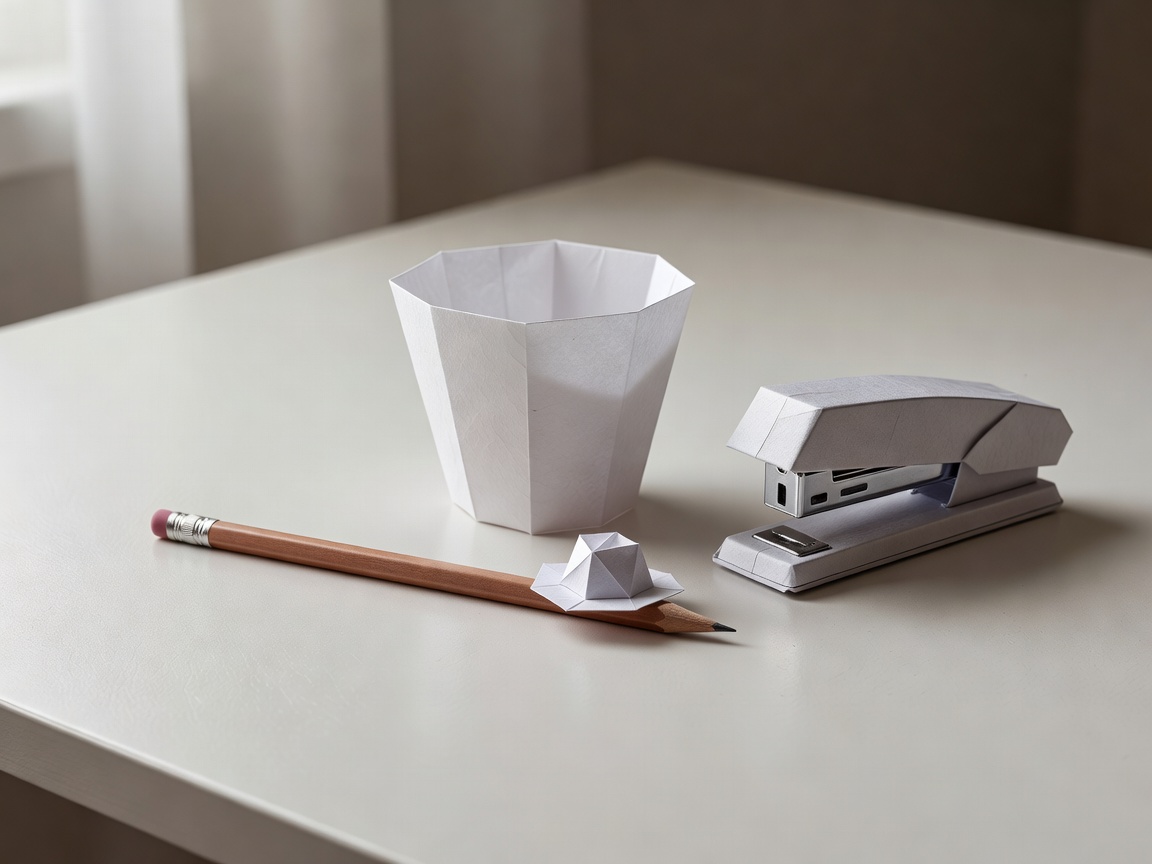
An audience decides within a second where an object is "looking". A mug's handle reads like a nose or an arm. A stapler has a jaw. A shoe has a toe that points the way it wants to go. Before you animate anything, place your object on the table and ask a friend which way it is facing. If they hesitate, choose a different object or add a clue: a sticker eye, a paper hat, a slight tilt.
Simple shapes are an advantage, not a limitation. Nick Park's Gromit at Aardman Animations has no mouth at all, yet his brow and the angle of his head carry entire scenes. Your cup only needs a direction and a posture to communicate.
Also check the silhouette. Hold a lamp behind the object and look at its shadow. If a lean forward and a lean back produce clearly different shapes, your object can act.
Step 2: Write a three-beat story
Every short you make, even a two-second test, can follow the same skeleton: want, obstacle, change. A cup wants the last sugar cube. The cube sits beyond a gap between two books. The cup leans, wobbles, then hops across. Done. Three beats, perhaps 36 frames.
Write the beats as verbs on a sticky note and keep it beside the set. When you are deep in frame 22 and unsure what to do, the note reminds you what the object wants right now.
Object animation has a long and playful history to learn from. Jan Švankmajer's Dimensions of Dialogue (1982) turns kitchen items into rival characters. PES's Western Spaghetti (2008) cooks a meal from Rubik's Cube pieces, bubble wrap and pincushions, and every object behaves with complete conviction. Watch one of them with the sound off and count how many beats each sequence uses.
- Want: one verb the object is trying to do
- Obstacle: one thing in the way
- Change: what is different in the last frame
Step 3: Anticipate, act, react
Frank Thomas and Ollie Johnston described anticipation as one of the core animation principles in The Illusion of Life (1981), and it works beautifully on objects. Before a cup hops forward, tilt it back slightly for two or three frames, as if gathering energy. The jump itself can be quick. Then let it react: a small overshoot past the landing point, and a settle back.
The strip below shows a hop. Notice that the object barely moves in frame 2. That small backward lean is what makes the jump in frames 3 and 4 feel intentional.
- 1
- 2
- 3
- 4
- 5
- 6
A hop: crouch, launch, peak, descent, landing.
Step 4: Let it think with holds
A hold is a run of frames where nothing moves. It is the most underrated acting tool you have. When the cup reaches the gap, keep it perfectly still for six to eight frames at 12 frames per second. Viewers read that pause as hesitation, as a thought. Rush it and the cup looks like a machine; hold it and the cup looks like it is deciding.
Puppet studios often add tiny adjustments during long holds so characters never look frozen, but for a rigid object a clean hold usually reads fine. Try both and compare in playback. Your eye will tell you which one feels alive.
Eyelines strengthen holds. If the cup turns a few degrees toward the sugar cube before hopping, the audience follows its gaze and understands the plan before it happens.
Step 5: Rehearse with your hand first
Before shooting a single frame, pick up the object and perform the action in real time while counting aloud. If the hop takes "one-and-two", that is roughly a second, so about 12 frames. Film this rehearsal on your phone; it becomes live-action reference you can step through.
Then animate it. Expect the first pass to be stiff or too fast. That is the whole point of a test. Change one thing, shoot again, and compare.